
Norwegian Cruise Line
Cruise Ship Webcams

Norwegian Cruise Line Cruise Ship Webcams
Norwegian Cruise Line webcams highlight the freedom and flexibility of Freestyle Cruising. With no fixed dining times or dress codes, NCL offers a relaxed and personalized cruise experience. The webcams capture the unique atmosphere aboard the ships — from innovative promenade areas and bustling pool decks to impressive entertainment venues and beautiful forward views during scenic itineraries in the Caribbean, Europe, Alaska, and Hawaii.
These cruise ship cameras let you experience Norwegian Cruise Line's distinctive itineraries in real time as the ships sail through scenic waterways and arrive at world-famous ports and exotic destinations around the globe. Follow each voyage as it unfolds, from embarkation to debarkation, with stunning live views along the way.
Norwegian Cruise Line Quick Facts
- Founded In: 1966 / 60 Years of Service
- Founded By: Knut Kloster and Ted Arison
- Headquarters: Miami, Florida
- Parent Company: Norwegian Cruise Line Holdings Ltd.
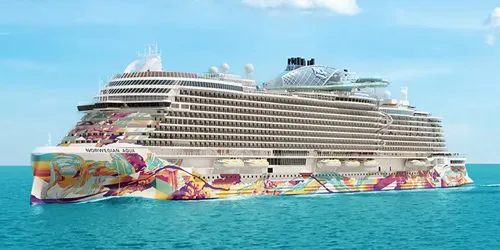 Norwegian Aqua
In Service: 2025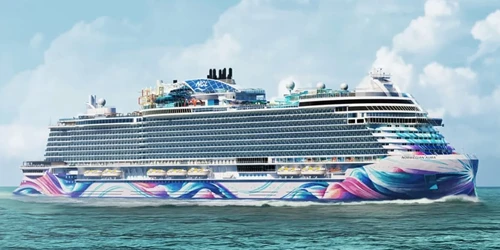 Norwegian Aura
Coming In: 2027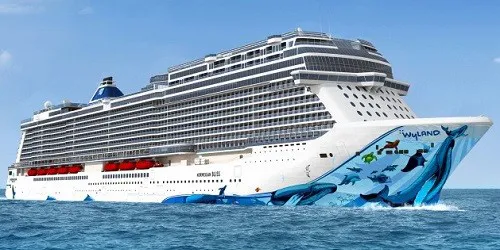 Norwegian Bliss
In Service: 2018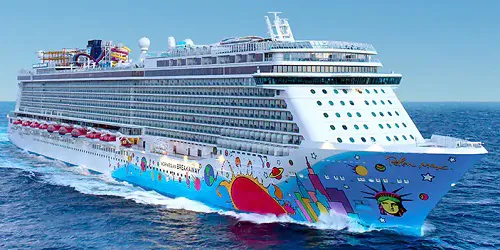 Norwegian Breakaway
In Service: 2013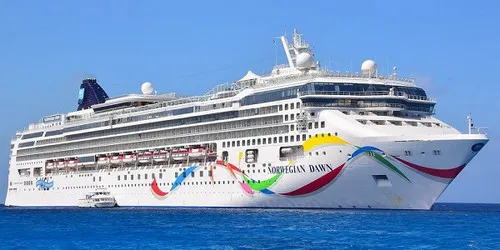 Norwegian Dawn
In Service: 2002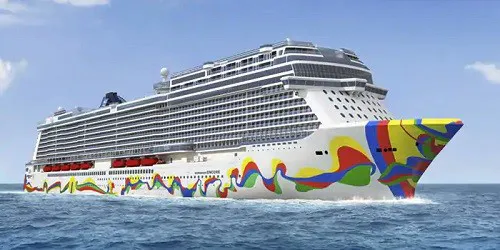 Norwegian Encore
In Service: 2019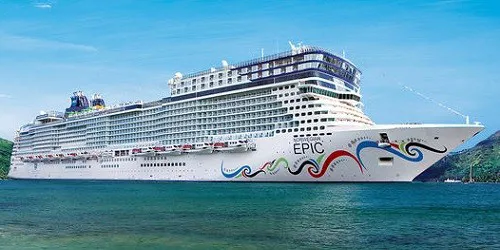 Norwegian Epic
In Service: 2010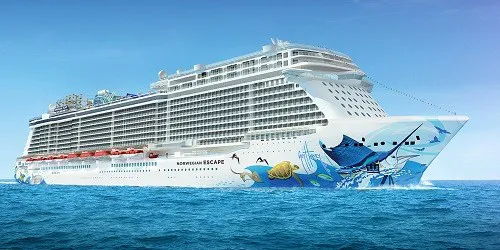 Norwegian Escape
In Service: 2015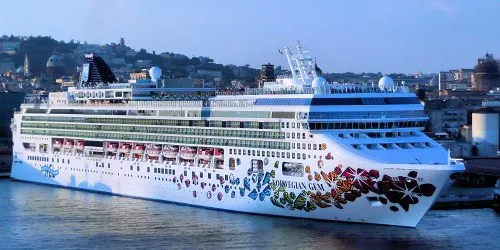 Norwegian Gem
In Service: 2007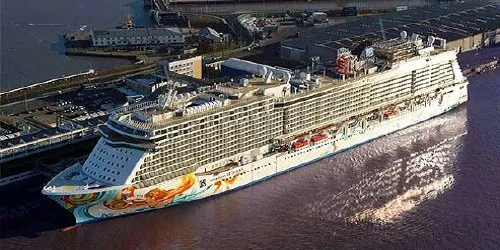 Norwegian Getaway
In Service: 2014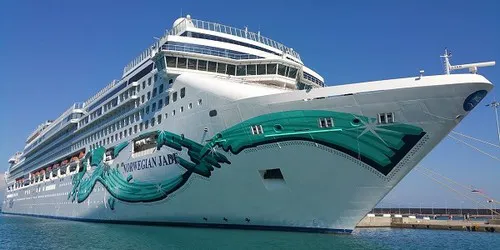 Norwegian Jade
In Service: 2006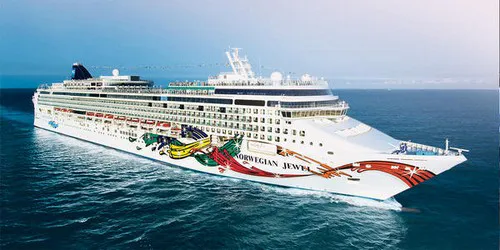 Norwegian Jewel
In Service: 2005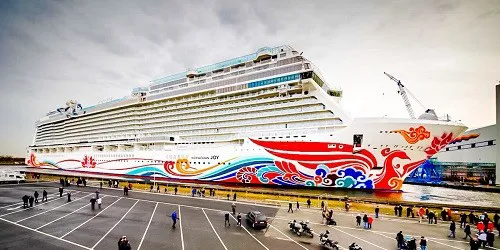 Norwegian Joy
In Service: 2017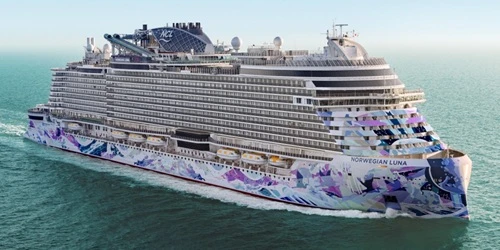 Norwegian Luna
In Service: 2026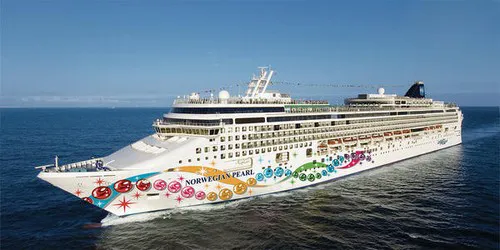 Norwegian Pearl
In Service: 2006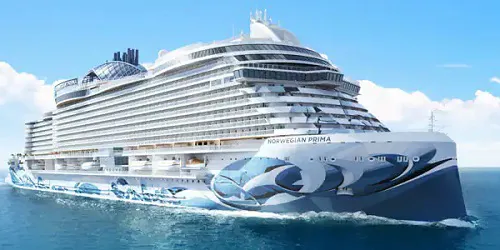 Norwegian Prima
In Service: 2022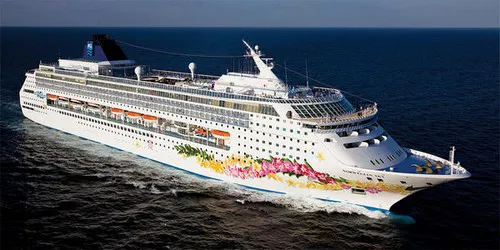 Norwegian Sky
In Service: 1999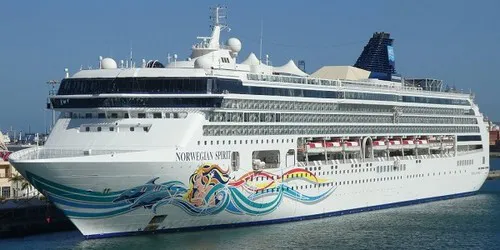 Norwegian Spirit
In Service: 1998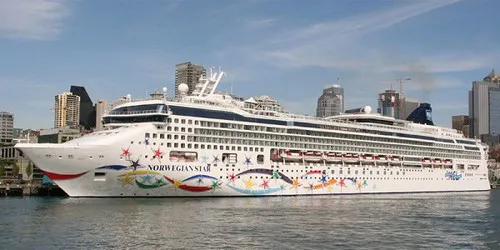 Norwegian Star
In Service: 2001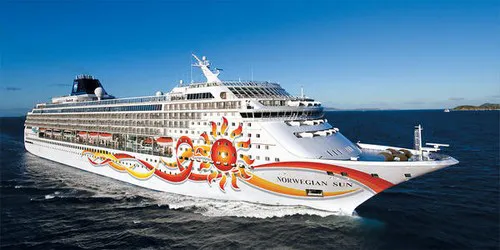 Norwegian Sun
In Service: 2001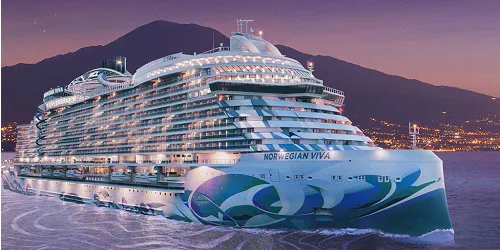 Norwegian Viva
In Service: 2023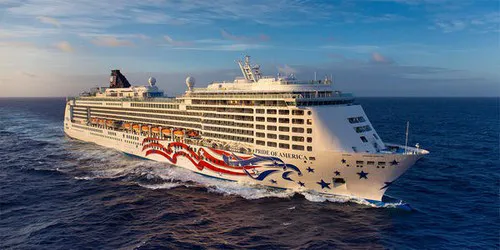 Pride of America
In Service: 2005
Some ship webcams are live-streaming. Those that aren't live-streaming display static images which are updated between once every 30 seconds to once every fifteen minutes. To make sure you don't miss any updates from the static image webcams we automatically look for a new image every 30 seconds. This will ensure you always have the latest image without having to manually reload/refresh any page.
At the bottom of each ship webcam & port webcam page you will find a button to "Report No Webcam Image." Clicking the button will automatically create and send an issue report for that specific webcam. It's that easy, and it will help us to keep all our webcams fully functioning.